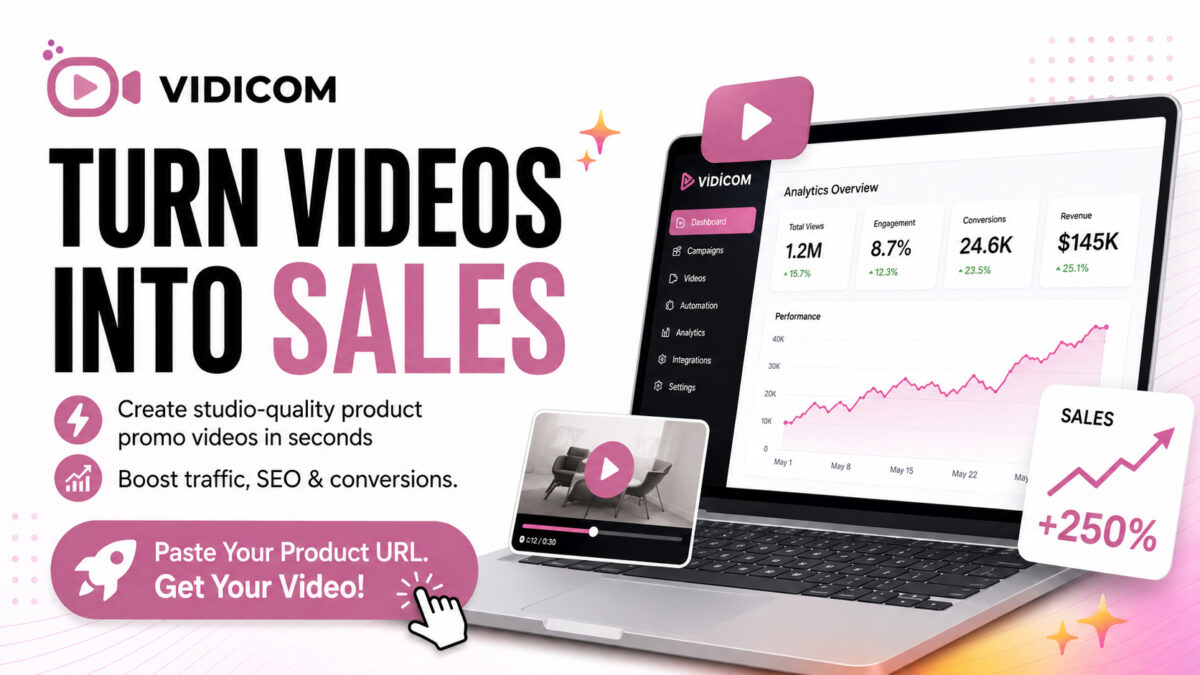
- Creates product videos from a product URL with automated scripting, animation and editing.
- Best for e-commerce sellers, agencies and affiliate marketers who need volume and speed.
- Tradeoffs: template outputs, possible factual errors, and limited bespoke cinematography.
Quick verdict: Vidicom is an AI-driven video creation tool that converts product pages into ready-to-publish videos in minutes. It’s a strong option if you need high-volume, short-form and listing videos fast and cheaply; skip it if you need fully bespoke, cinematic commercials or precise human-directed footage.
What is Vidicom?
Vidicom is a link-to-video engine that scrapes your product listing or sales page, writes a script, creates visuals and outputs formatted videos for listing pages and social channels. Its pitch is automation at scale: paste a product URL, choose formats and let the system generate conversion-focused product videos with UGC-style clips, animated scenes and platform-specific ratios.
Key features
- Link-to-video workflow — Paste a product URL and Vidicom extracts copy, specs and images to build a video automatically.
- Automated scripting & scene assembly — The platform generates scripts, sequences scenes and assembles visuals without manual editing.
- UGC & realistic mockups — Adds user-generated content style clips and places products into realistic contexts to improve buyer visualization.
- Multiple sizes & platforms — Exports vertical shorts, square ads and long-form product videos suited for TikTok, YouTube, Reels and product pages.
- Custom assets & edits — Upload your own images/graphics and tweak scenes, copy and sequence after generation.
- Scale & testing support — Produce many creative variations to test angles, demographics and messaging at scale.
- Support & refund policy — Advertised 24/6 chat support and a 30‑day refund window.
How Vidicom helps e-commerce
Video is increasingly prioritized by search engines and social media. Vidicom’s value proposition is speed and volume: instead of hiring production, you can quickly generate dozens of listing and short-form videos to A/B test copy, thumbnails and creative angles—useful for merchants facing ad cost inflation or low organic reach.
Pros
- Extremely fast: create usable videos in minutes from a URL.
- Low production cost compared with traditional video shoots.
- Platform-ready outputs (shorts, reels, long-form) reduce manual reformatting.
- Supports bulk generation for catalogs and agency workflows.
- Allows upload of custom assets and basic post-generation edits.
Cons
- Template-driven output can feel generic vs. bespoke human-directed ads.
- AI-scraped copy or auto-generated claims may be inaccurate—always verify facts and specs.
- Limited creative control compared to in-house production teams for cinematic work.
- Quality can vary by product category (high-detail products may need manual shots).
Pricing and trial
Vidicom’s site mentions a satisfaction guarantee and a 30‑day refund policy; specific pricing tiers, seat counts and per-video costs should be checked on the vendor site or through the affiliate link. Expect subscription plans aimed at merchants and agencies with higher tiers offering bulk generation and additional features.
- 30‑day refund—check terms before purchase.
- Look for agency plans if you plan to produce videos for clients.
Who Vidicom is best for
- E-commerce store owners on Shopify, Amazon and Etsy who need many listing videos without the cost of production crews.
- Agencies and freelancers who want to white-label or resell video production as a service with low fulfillment overhead.
- Affiliate marketers and catalog managers needing platform-optimized clips for SEO and social distribution.
Who should avoid Vidicom
- Brands requiring cinematic commercials, unique creative direction, or actor-driven testimonials—Vidicom’s automated assets won’t replace full production teams for those needs.
- Sellers of highly technical or regulated products where inaccurate claims could cause compliance problems without careful review.
- Businesses that expect perfect, handcrafted motion design for premium branding—AI templates may feel off-brand.
Practical how-to: best use cases & tips
- Start by generating short vertical clips for Reels and TikTok—these drive discoverability and often require minimal editing.
- Verify all product specs, prices and claims the AI extracts. Edit the script before publishing to avoid misinformation.
- Upload your highest-quality product images and replace any AI-substituted visuals for better fidelity.
- Use the platform to create multiple creative angles (benefit-led, use-case, social proof) and A/B test them in ads/listings.
- If you serve clients, package Vidicom outputs with a light creative review and optimization service to increase perceived value.
Final recommendation
If you need fast, low-cost product videos to scale listings and social posts, Vidicom is worth testing—especially for catalogs and agency workflows. However, treat its output as a high-volume starting point: review and tweak scripts and visuals to match your brand voice and ensure accuracy. For high‑end brand films or products with regulatory constraints, invest in professional production instead.
- Merchants wanting to add listing videos rapidly.
- Agencies seeking a profitable service with low delivery costs.
- Affiliate marketers needing quick SEO and social clips.
FAQ
Can Vidicom really make videos from just a product URL?
Yes — that is the core feature. Vidicom scrapes the listing or sales page, extracts copy and images, then auto-generates scripts and scenes. Always verify the generated script and facts before publishing.
Will these videos replace professional production?
No. Vidicom is best for scalable, low-cost video assets and quick testing. It doesn’t fully replace high-end, bespoke shoots when you need tailored creative direction or celebrity talent.
Are the videos optimized for SEO and social platforms?
The platform outputs platform-specific aspect ratios and short-form clips intended for search and social. Optimization for titles, descriptions and thumbnails should be done outside the tool as part of your content workflow.
Can I upload my own images and edit generated videos?
Yes. Vidicom allows you to upload custom graphics and offers controls to tweak scenes, swap imagery and alter on-screen copy after generation.
Is there a money-back guarantee?
The vendor advertises a 30‑day refund/satisfaction guarantee. Confirm terms and refund conditions on the vendor site prior to purchase.
Affiliate disclosure
This article contains an affiliate link. If you click through and purchase, Affiliate Digest may earn a commission at no extra cost to you. We aim to be transparent and only recommend products we believe serve the intended audience, but you should always confirm product features, pricing and refund terms before buying.
More from The Affiliate Digest
-
Tube Claw AI review: Features, pricing, is it legit or a scam?
Tube Claw AI promises an all-in-one AI toolkit for faceless YouTube channels: scripts, voices, avatars, SEO and uploads.…
-
Brett Rutecky’s Affiliate Store Review
Affiliate Store is a low-cost, no-code AI assistant for creating a simple affiliate storefront. It can generate product…
-
How to Get Traffic for Affiliate Marketing: A Beginner’s Step‑by‑Step Guide
Practical, step-by-step methods to get targeted traffic for affiliate marketing — free and paid options, SEO and content…
-
Aigency Valet Review — What Joshua Zamora’s Service Promises and Who It’s Best For
Aigency Valet is a marketing/agency support product marketed by Joshua Zamora that promises systems and assets to help…
-
LeadHunterXAi — Can this AI lead tool really find verified leads?
LeadHunterXAi promises instant, verified emails and phone numbers from social platforms and Google Maps. This review breaks down…